
 MetaWebCam AI
Get 100 free tokens on signup
How to Set Up AI Sexting From Scratch in 2026
Setting up AI sexting takes about 3 minutes if you pick the right platform and follow this guide. The fastest path: visit MetaWebCam AI, sign up with Google or email, get 100 free tokens, pick a model, switch to voice or text, start chatting. That's it. This guide covers every step plus alternative platforms if MetaWebCam AI's live cam format isn't your style.
AI sexting in 2026 is mature enough that most "complete guides" overcomplicate it. The real path is short. This is the short version with everything you actually need.
 MetaWebCam AI
Get 100 free tokens on signup
Step 1: Pick the Right Platform for Your Style
Different AI sexting styles need different platforms:
- Live voice + text with visible avatar → MetaWebCam AI
- Deep text roleplay with character variety → CrushOn AI
- Free uncensored text → SpicyChat
- Visual sexting with image generation → DreamGF or Candy AI
- Long-term sexting partner with memory → Replika (Pro tier, NSFW limited for new users)
Most beginners do best with MetaWebCam AI because the live format is immediately understandable - just like talking to someone, except the someone is AI.
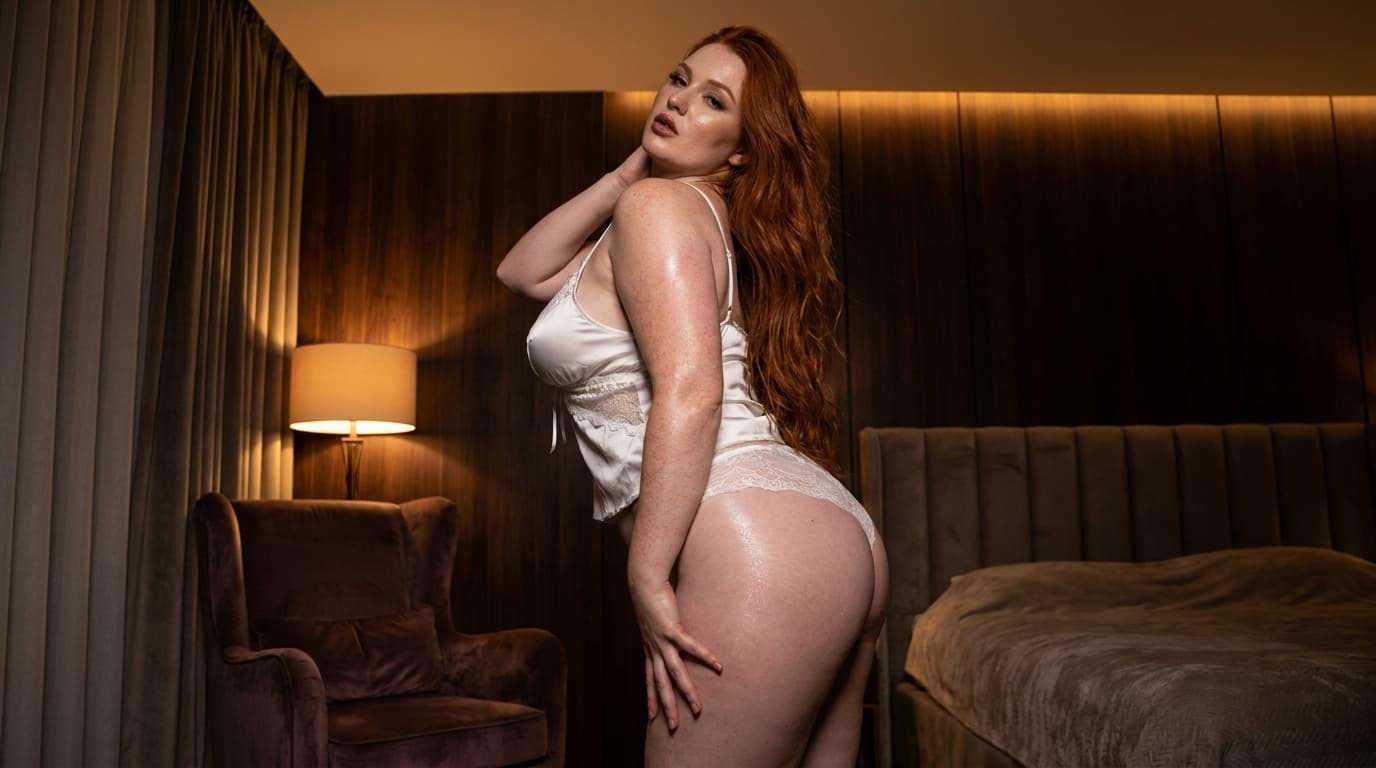 MetaWebCam AI
Get 100 free tokens on signup
Step 2: Sign Up
For MetaWebCam AI:
- Go to metawebcam.ai
- Click "Sign in with Google" OR enter email for magic link
- Done. 100 free tokens automatically credited.
For other platforms, signup is similar - email or Google, no card required for free tiers.
Privacy tip: Use a dedicated email for adult AI services if discretion matters. Keeps your AI usage separate from your main inbox.
Step 3: Set Your Preferences (If The Platform Has Them)
Some platforms ask preferences upfront. MetaWebCam AI skips this - you just pick a model and start. Other platforms (CrushOn AI, Candy AI, DreamGF) ask about character preferences.
Common preference options:
- Character archetype (girl-next-door, dom, sub, fantasy, etc.)
- Visual style (if image generation is involved)
- Conversation tone (playful, serious, romantic, kinky)
- NSFW intensity (mild flirting vs explicit)
For first-time users: start with default preferences. You can always change them later.
Step 4: Choose a Model or Character
Each platform organizes this differently:
MetaWebCam AI: 5 pre-built AI models on the home page. Pick one that catches you. Switch freely.
Candy AI: Browse curated character library, click into one that appeals.
CrushOn AI: Browse 1M+ user-created characters by category. Filter by archetype.
DreamGF / HeraHaven: Build your own character with visual customization first.
For first sessions: pick whatever catches you visually. Don't overthink. If it doesn't click, switch.
Step 5: Choose Your Communication Mode
Most platforms support text chat by default. MetaWebCam AI also supports real-time voice - you speak, the AI responds out loud.
Voice vs text for sexting:
- Voice feels more present and live. Better for couple use or when you want immersion.
- Text lets you take your time. Better for detailed scenarios or when you want to read the AI's responses carefully.
MetaWebCam AI lets you do both in the same session. Most other platforms are text-only.
Step 6: Start the Conversation
First message tips:
- Start where you'd start with a human - "hi", a question, a compliment, a setup
- Don't try to "test" the AI immediately - it adapts to tone, so set the tone you want
- Be specific about what you want if you have a particular scenario in mind
- Let it build - AI sexting works better when you build the scene rather than jumping straight to extreme content
Mistake to avoid: demanding extreme content in your first message. AI handles it but the experience is better if you let it develop naturally.
Step 7: Set the Scene (Optional but Improves Quality)
Quick scene-setting at the start dramatically improves AI sexting quality. Examples:
- "We just got home from dinner..."
- "It's late and we're both tired but..."
- "I've been thinking about you all day and..."
This gives the AI context to work with. Generic "talk dirty to me" produces generic responses. Specific scenarios produce specific responses.
MetaWebCam AI responds especially well to scene-setting because the live format makes the scene feel immediate.
Step 8: Push the Conversation Where You Want
AI sexting can feel reactive at first - you talk, AI responds, you talk, AI responds. Better experiences come from driving the conversation.
Specific patterns that work:
- Describe what you want - the AI follows
- Ask questions - she responds in character
- Give details - she builds on them
- Switch dynamics - if it gets stale, change the scenario
The AI is trying to please you. Tell it what pleasing means to you.
Step 9: Manage Tokens / Free Tier Limits
Each platform has different cost structures:
MetaWebCam AI: Token-based. 100 free tokens (~5 min), then $20 = 1 hour. Voice uses tokens faster than text.
Candy AI: Subscription + tokens for images and voice. Watch token costs - they stack quickly.
CrushOn AI / SpicyChat: Generous free tiers, premium $4.99/month for full features.
Tip: test free tiers fully before paying. The category is mature - free tiers reveal whether the platform suits you.
Step 10: Iterate and Refine
Best AI sexting comes from finding your specific style within a platform:
- Which character/model fits your taste
- What conversation pace works for you
- Whether voice or text feels better
- What scenarios produce best results
Most users settle on 1-2 favorite models on 1-2 favorite platforms. The variety question gets resolved by testing.
Common Beginner Mistakes
1. Demanding extreme content immediately. Build first. The buildup is part of the appeal.
2. Using the same prompt every session. Vary your scene-setting. Same prompt produces same responses.
3. Not switching models when one isn't clicking. Each model has different personality. If Luna isn't working, try Eliza.
4. Ignoring the free tier feedback. The free tier shows you everything. If you're not enjoying it free, paying won't change that.
5. Using one platform for needs that don't fit. Live cam for visual people, text for narrative people, image gen for visual builders. Match the platform to the need.
Privacy and Safety Setup
Before getting too invested:
- Use a dedicated email if discretion matters - keep AI services separate from main inbox
- Read the privacy policy of any platform you use
- Check payment processor labels - some platforms appear discretely on credit card statements
- Avoid no-name platforms without published privacy policies
- Don't share real personal details with AI characters - the AI doesn't need them
Established platforms (MetaWebCam AI, CrushOn AI, Replika, Candy AI) have been operating long enough to trust on standard privacy practices.
Frequently Asked Questions
How do I start AI sexting?
Visit metawebcam.ai, sign up, claim 100 free tokens, pick a model, choose voice or text, start chatting. Total time: 3 minutes.
Do I need to pay to start AI sexting?
No. MetaWebCam AI, CrushOn AI, SpicyChat, and others have working free tiers. You can fully evaluate before paying.
What's the easiest AI sexting platform for beginners?
MetaWebCam AI for live experience. SpicyChat for lowest friction free. Both have minimal setup.
Can I sext with AI in another language?
MetaWebCam AI supports any language for both text and voice. Most other platforms are English-primary.
Are AI sexting apps safe?
Established platforms are safe. Read privacy policies. Use a dedicated email if discretion matters. Avoid no-name apps.
Do AI sexting apps require a credit card?
Most don't for the free tier. MetaWebCam AI, CrushOn AI, SpicyChat all let you start without a card.
Can AI sexting feel real?
Real-time voice AI sexting on MetaWebCam AI is the closest to "real" feel - because the conversation flows live. Text-based sexting feels more like written narrative.
The Quick Recipe
Setting up AI sexting:
- Pick platform (live = MetaWebCam AI, text = CrushOn AI, free = SpicyChat)
- Sign up (Google or email, no card)
- Set scene with first message
- Build naturally
- Iterate with model/scenario changes
The whole setup is faster than reading this guide.
Try MetaWebCam AI Free with 100 Tokens ->
Live AI sexting in any language. Get 100 free tokens at metawebcam.ai.